> For the complete documentation index, see [llms.txt](https://docs.on.nexus/llms.txt). Markdown versions of documentation pages are available by appending `.md` to page URLs; this page is available as [Markdown](https://docs.on.nexus/dotswap/developers/nexus-protocol/deployment-guide/start-providing-liquidity/single-sided.md).
# Single Sided
To add Single-sided liquidity, you can choose to provide either BTC or USDC•STARKNET individually.
### Visit liquidity management portal
1. Access your deployed node in the browser via port 17610. [Click here to learn how to deploy servers and nodes.](/dotswap/developers/nexus-protocol/deployment-guide.md)
For example:
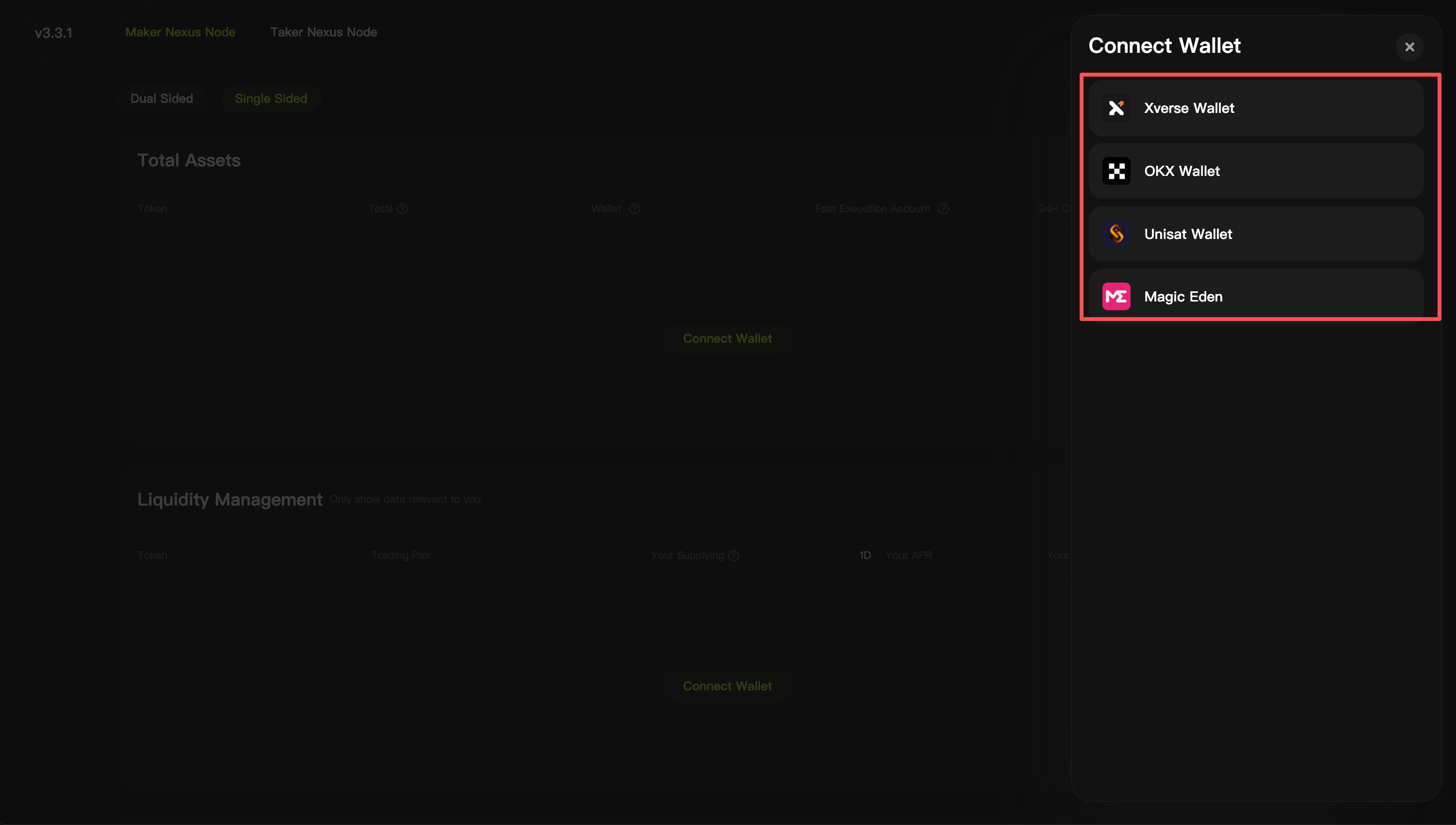
2. Connect your wallet
Please note that the deployment addresses for single-sided and Dual-sided are different.
3. You can choose different currencies to add single-sided liquidity.
Please note that the addresses for deploying Single-sided liquidity for BTC and USDC are different.
4. Input the initial price, then enter the amount, and view your LP income rate.
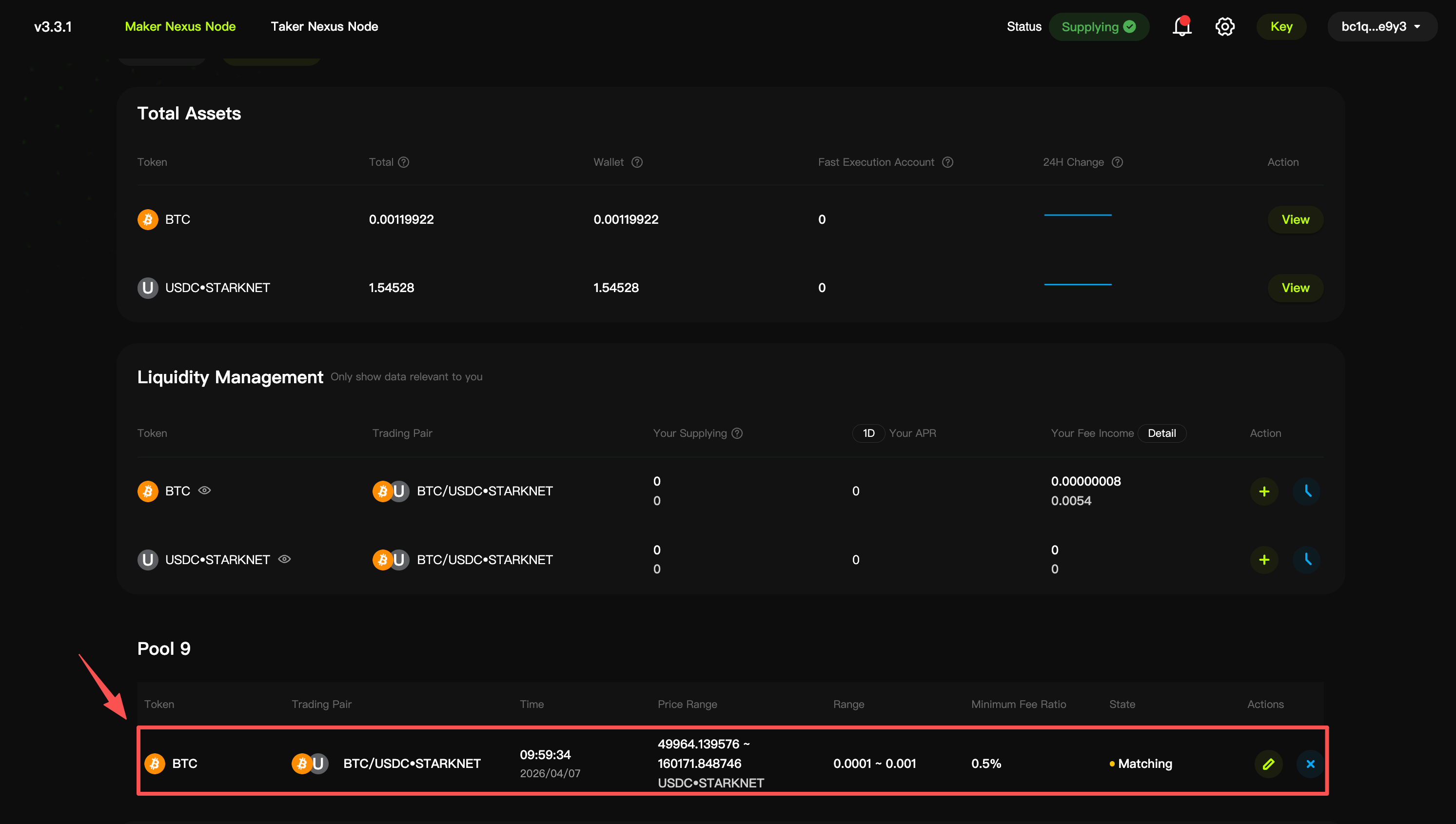
5. Complete the wallet signature, and you will see your liquidity pool here.
After the liquidity pool is automatically matched successfully, its status will change from "Matching" to "Matched".
6. [Click here to begin Single Sided Pool depoyment](/dotswap/developers/maker/single-sided-pool/manage-pool.md)